How Bridal Brands Can Use AI to Generate a Full Product Catalog in Batches

Introduction
Your entire spring collection arrives in boxes on a Monday, and the seasonal launch is locked in for three weeks out. The math is brutal. A traditional photoshoot for 1,000 gowns, veils, and accessories demands studios, models, stylists, and post-production teams spread across months, swallowing a small fortune per image. Every day of delay leaves products invisible to brides scrolling at midnight, and every logistical snag pushes revenue further out of reach.
The bridal retail calendar punishes slow movers. Engagement season peaks in a compressed window, and a single missed trend or late product page can mean thousands in lost deposits. The old production model can not scale to match a bride's expectation of seeing every SKU styled and modeled the moment she searches. That pressure cooker reality is why generative AI for fashion is the starting point for at least 58% of design projects and marketing campaigns, moving beyond mood boards and into full-scale asset creation.
Batch AI catalog generation rewrites the timeline. Instead of booking a studio, you upload reference imagery and product flats to a platform like DRESSX Studio, which processes thousands of photos into on-model shots and video in a single run. The output is a complete, cohesive catalog produced in hours while cutting photo production costs by as much as 80%.
This guide walks through the exact seven-step workflow. You will see how to lock in your brand's visual DNA, build a pipeline that handles 1,000+ SKUs, and push publishable assets directly to your storefront before the next planning meeting even starts.
Key Takeaways
Here are the core outcomes and workflow principles that make batch AI a practical reality for bridal brands, compressing your entire visual production cycle:
Cost Reduction: Batch generation can drive an 80% reduction in photo production costs by eliminating repeated studio, model, and styling fees per garment.
Speed to Market: What once took weeks to months now completes in hours, delivering a 10× faster time to market and letting brands react to the tight bridal retail calendar.
Cohesive Output: Training a private AI on your brand's reference images automatically enforces master lighting, pose, and composition rules across every single SKU, eliminating the generic output trap.
Omnichannel Assets: A single batch run generates ghost mannequin flats, on-model stills, and short product videos simultaneously, fulfilling ecommerce, social, and ad needs without added shoot days.
Performance Lift: Brands moving to AI-driven visuals report a measurable performance shift, including a 30% increase in click-through rates on product imagery.
Step 1: Define Your Visual Infrastructure by Training a Private AI on Your Brand’s Aesthetic
You can not scale a bridal catalog if every output requires you to re-establish what your brand even looks like. The foundational step is building an immutable 'visual brain' that encodes your rules before a single on-model image is generated. This separates a random Midjourney experiment from a production-grade asset system.
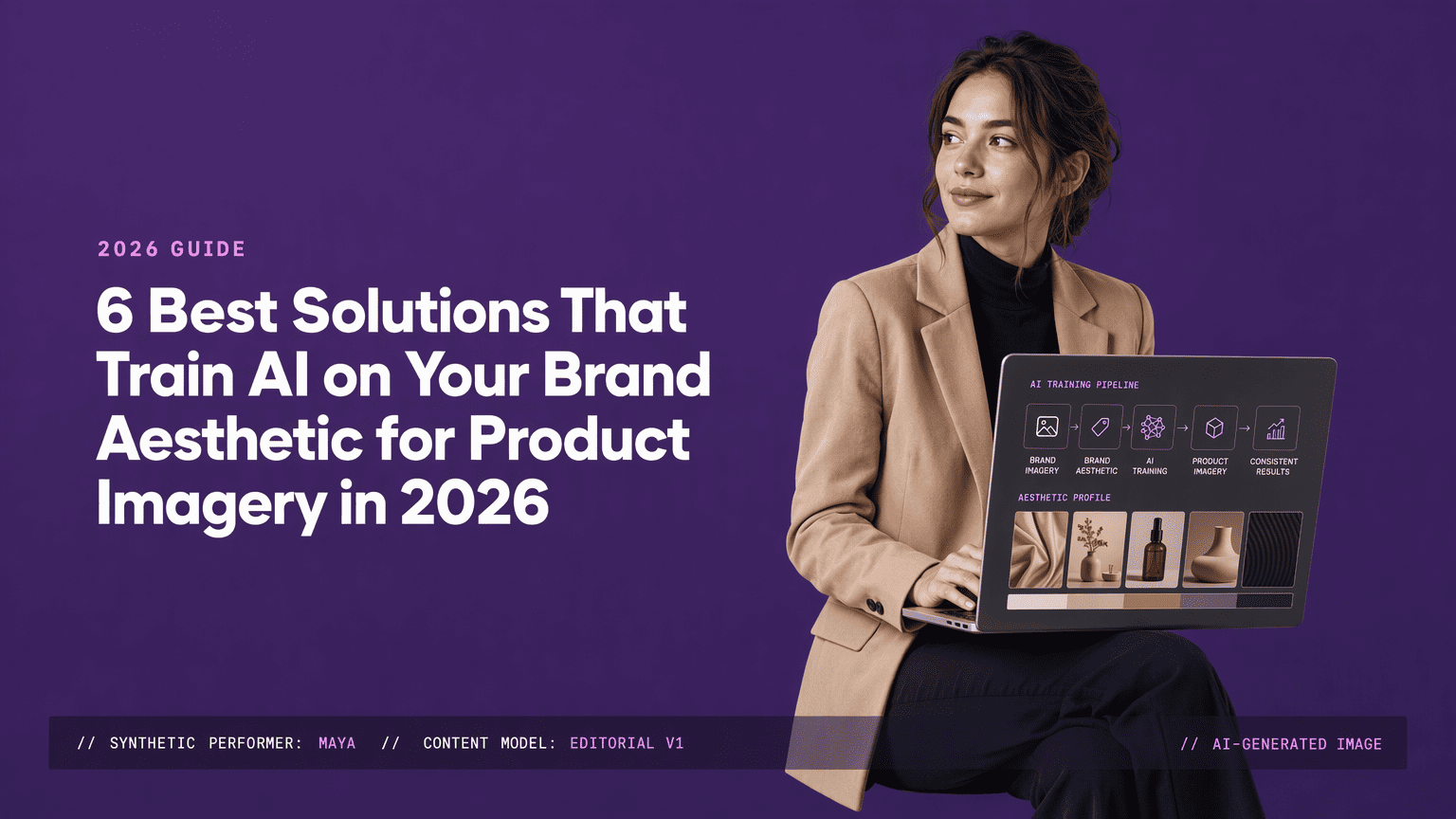
You start by uploading your hero product shots, past campaign imagery, fabric swatches, and approved style references to a visual infrastructure platform. Tools like DRESSX Studio or the managed pipeline that Lumesa ai provides are designed to absorb this material. Lumesa, for instance, lets its system capture over 200 visual attributes from your reference images into what it calls a Brand DNA system.
That system encodes practical details a generic tool can not retain: the exact way satin drapes at a side seam and the preferred angle of a cathedral veil in a breeze. It locks in your fit standards so hemlines do not distort across a batch of 500 mermaid silhouettes.
The result is a private model that governs all subsequent outputs. You stop re-prompting every gown and chasing digital anomalies because the baseline aesthetic is fixed. Once trained, a system like Lumesa is meant to absorb brand direction and carry it forward, making 1,000 assets look like they came from the same atelier.
Step 2: Engineer the Bulk Ingestion Pipeline for 1,000+ SKUs
The leap from generating a few hero images to populating an entire online store is a data management problem. You feed the beast by building an ingestion pipeline that can process 1,000 or more SKUs in one run. Half of its success sits in your file naming and metadata mapping before you ever hit 'generate'.
A platform like DRESSX Studio accepts thousands of photos alongside model selections, poses, and looks. You queue garment flats, close-up texture swatches of beading or lace, and a CSV mapping that ties each file to its SKU identifier, alt-text, and style attributes. Every file name must lock to a product ID. A misnamed flat lay here attaches a ball gown preview to a sheath dress PDP, and untangling that manually defeats the speed you are chasing.
Corruption at scale is silent and fatal. A metadata gap on input side means the AI hallucinates a zipper on a corset back that does not exist.
The pipeline completes this ingestion in one go. The tooling swallows a week of studio time and turns it into an overnight compute task, taking an image set that once demanded individual product handling and processing it through a single, consistent workflow. You wake up to a server full of generated JPGs ready for review.
Step 3: Configure Batch Art Direction for Master-Look Consistency
Catalog cohesion relies on a single decision: lock your art-direction parameters before the first render. You set lighting environment, model pose, and composition rules once. The system then applies those choices to every product in the batch. You stop managing individual photographs and start directing a unified visual output.
The table below shows how manual and automated systems handle these dimensions for a bridal collection:
Art Direction Dimension | Manual Adjustment (Traditional or Self-Serve) | Automated Style Reference (Batch AI) |
Lighting Environment | Variable; depends on studio setup per shoot day and requires re-rigging for consistency across sessions. | Locked to a single master scene (sunlit loft, minimal white studio) applied uniformly to every SKU with no physical re-lighting. |
Model Pose & Framing | Directed frame by frame; subtle shifts in hand placement or turn angle are nearly impossible to match exactly across hundreds of shots. | A defined set of master poses (e.g., three-quarter turn, back detail, veil sweep) is applied algorithmically to maintain identical framing ratios. |
Compositional Rules | Crop and negative space decisions left to individual editors, leading to slight drift across the catalog's thumbnail grid. | Composition grid rules are locked and applied automatically, ensuring the gown sits in the exact same place in the frame across all PDPs. |
You define one environment and a handful of poses. Every tiered tulle skirt and beaded mermaid train renders as if lit and styled by the same team at the same moment. You never accidentally ask the AI to deviate from your rules because the rules are baked into the batch configuration from the start.
Step 4: Execute Multi-Format Generation: From Flat-Lay to Model and Video in One Run
A product detail page needs a clean ghost mannequin shot. Your Instagram ads crave lifestyle imagery. Your TikTok shop demands a 10-second swish of the train in motion. You extract every format from the same batch generation run that already ingested your SKUs.
Advanced AI studios produce stills and video simultaneously from a single product input. Platforms like Rawshot.ai's bridal catalog generator, DRESSX AI Studio, and Lumesa let you upload a flat lay and walk away with an on-model shot, an editorial crop, and a short animated clip showing the fabric movement. You are not commissioning three separate shoots.
A bridal line with 20 SKUs, each needing five angles and a short video, can go from upload to complete digital catalog in days. Traditional bridal editorial shoots cost $3,000 to $8,000 for a half-day session covering a handful of gowns (Tellos, 2026).
Multi-format generation collapses that timeline and cost into a single run. David's Bridal integrated two AI platforms as shopping channels in early 2026, pointing toward how multi-format assets feed the storefront, the ad platform, and the shoppable feed at once (Digital Commerce 360).
Step 5: Implement a Hybrid Human-Editor Workflow for Editorial-Grade Quality Control
Raw AI output is not ready for a bride. It needs a human editor to act as the final arbiter of taste and technical accuracy, catching the digital artifacts that erode a luxury brand's credibility.
Your post-production pipeline starts with triage: flagging outputs with anomalies like impossible hand anatomy, zipper warping, or a satin drape that defies physics. Editors batch-correct minor artifacts while elevating the best hero shot for each SKU. The creative variety per shot is a precise calculation, taken from measured sales lift across multiple collections. A trained human eye selects the one asset that sells while the machine generates wild volume.
This hybrid workflow is where E-E-A-T sits. Lumesa ai structures this as a managed pipeline: their creative team reviews outputs, provides feedback during the process, and the model improves with every batch approved. That human-in-the-loop oversight means the model learns why a certain lace pattern on a veil needed re-rendering, encoding that correction for the next 5,000 lace-edged accessories.
The system absorbs brand direction and carries it forward, learning your rules so thoroughly that the editor spends less time fixing and more time curating. An AI detection step here functions as a pre-publication safety net, catching errors at machine speed while the human makes the editorial call.
Step 6: Integrate the AI Output Directly into Your Live Ecommerce Storefront
Creative work trapped in a shared drive is overhead. Integration connects generation to your store automatically, matching each editorial JPEG and video file to the right product page without human sorting. Here's the sequence to push assets live with zero manual uploads:
Build your CSV mapping file: Ensure every generated asset name strictly matches the product SKU, and include columns for image URLs, alt-text, and video links that your ecommerce platform expects.
Connect via platform connector or API: Use a direct Shopify or Magento connector, or the platform's API, to queue the bulk import from your AI tool's output storage to your product media library.
Validate alt-text assignment: Confirm that every AI-generated alt-text field describing the garment's silhouette, fabric, and color has been auto-populated correctly for your entire inventory.
Publish and automate future runs: Schedule the integration to trigger after each batch generation. The 10× faster time to market becomes a repeatable publication event instead of a task that blocks your team every cycle.
Step 7: Analyze Measurable Business Outcomes and Optimize for ROAS
Speed and cost savings are inputs. The output that matters to the C-suite is attributable revenue lift. Start your analysis by isolating the hard financial deltas your new pipeline just created.
Calculation of measurable business impact involves three key metrics.
Direct production cost saving: When a brand produces a 1,000-SKU catalog through batch AI instead of traditional studio shoots, the result is a documented 80% reduction in photo production costs, slashing a line item that consumed massive margin. That figure alone bridges the gap between a creative workflow and a CFO's spreadsheet.
Velocity delta: The entire catalog moved from brief to live campaign in hours rather than the standard weeks. That compression means your collection hits the market before the trend decays, capturing full-price sell-through during the compressed bridal engagement season.
Engagement rates as a lead indicator of return on ad spend: Brands using AI-powered visuals report a 30% increase in product click-through rates, which directly feeds your paid media and email performance. Feed these engagement metrics back into your art direction protocols, adjusting the master pose or lighting environment that drives the highest CTR, and you turn your catalog into a dynamic revenue engine.
Conclusion
Bridal retail used to be a business of static, infrequent shoots that left most SKUs invisible. That model no longer holds. Batch AI catalog generation turns your visual asset production into a real-time digital factory, a 1,000-SKU collection gets lit, styled, modeled, and published before a traditional crew would even wrap their test shots.
The brands that win the next engagement season will treat their catalog as a dynamic, AI-driven media asset rather than a seasonal project. The path is defined: lock in your visual DNA, automate the ingestion, set master art direction, and let a private AI model carry your exacting standards across every product page.
See Which Fit Makes Sense for Your Catalog
If you're trying to figure out whether your actual need is a full catalog production platform or a narrower feature like a simple try-on preview, request a demo and we'll talk through the actual scope of what you're solving for, not just the platform's capabilities.
Frequently Asked Questions
What does it mean for a bridal brand to use AI to generate a full product catalog in batches?
It means replacing traditional photoshoots with an AI platform that produces on-model images, flat-lays, and videos for 1,000+ SKUs in a single automated run. The models are trained on the brand's specific aesthetic and reference imagery, applying consistent lighting, poses, and composition across every output.
How does an AI visual infrastructure platform train on a bridal brand’s specific aesthetic for batch catalog production?
You upload hero shots, past campaign imagery, and fabric swatches as reference material. The platform extracts hundreds of visual attributes like drape behavior, lighting ratios, and composition rules to build a private foundation model. Once trained, that model governs all future outputs to match your exact styling system.
What is the step-by-step workflow for a bridal brand to produce a complete AI-generated catalog batch?
The workflow consists of seven sequential stages:
Training a private AI on your aesthetic:
Ingesting 1,000+ product flats and metadata:
Locking master art-direction rules for lighting and poses:
Generating multi-format assets in one run:
Applying human editorial quality control:
Integrating the assets directly into your ecommerce PDPs:
Analyzing the resulting business metrics:
What are the measurable business outcomes, like conversion uplift and cost savings, for bridal brands using AI batch catalog generation?
Documented outcomes include an 80% reduction in photo production costs and a 10× faster time to market. On the performance side, catalog imagery generated through this process has been shown to deliver a 30% increase in product click-through rates, which drives stronger return on ad spend and email performance.
How does batch AI catalog generation for bridal brands compare to traditional photoshoots or self-serve AI tools?
Batch AI generation slashes traditional per-SKU costs by 80%, completes in hours instead of weeks, and processes 1,000+ items per run compared to 10 to 50. Unlike self-serve tools that require manual prompting for consistency, batch AI uses an automated style reference system to enforce cohesive lighting, poses, and master-look quality across the entire catalog.
What specific product visuals can a bridal brand generate in a single batch with AI?
A single batch can produce ghost mannequin shots, flat-lay product stills, on-model images styled in various poses, and short product videos. This multi-format output equips your product detail pages, social media ads, and video commerce channels without requiring separate studio time or disjointed workflows.
Sources
DRESSX AI Studio | From iPhone Shots to Full Campaigns & Videos - dressx.com
14 Use Cases of Generative AI for Fashion Industry [+Workflows] - www.imagine.art
David's Bridal adds two AI platforms as shopping channels - www.digitalcommerce360.com
Fashion Catalog Shoot Cost Breakdown: Traditional vs AI Production (2026) | Tellos - www.jointellos.com
Comments